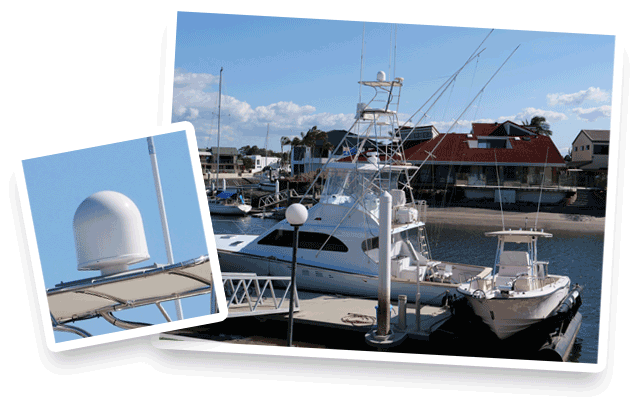
For over 30 years Glomex has produced the most complete range of marine antennas, recognized as the best choice by the most important boat builders and by millions of boat owners.
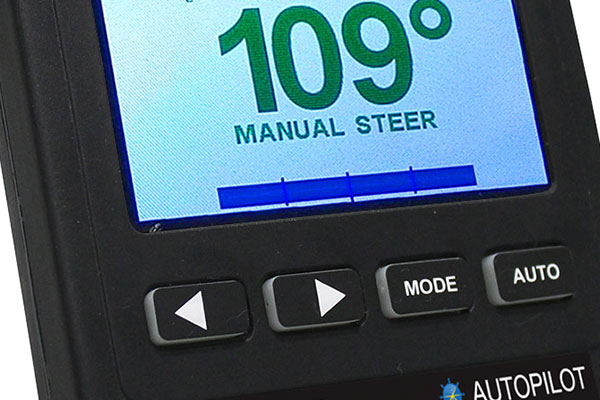
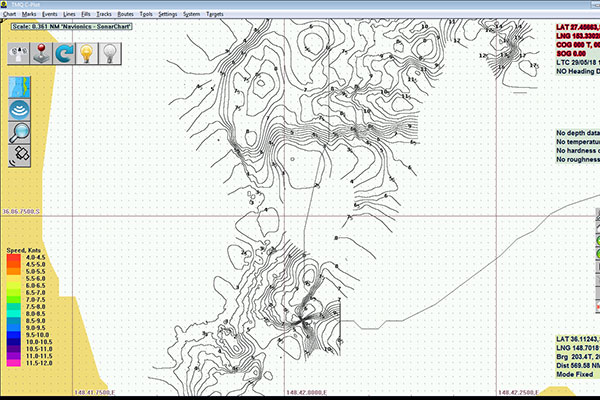
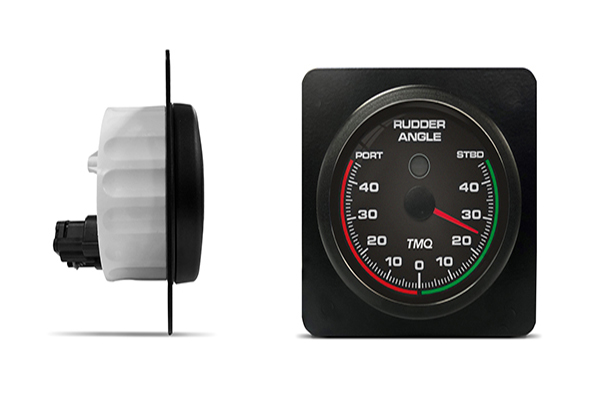
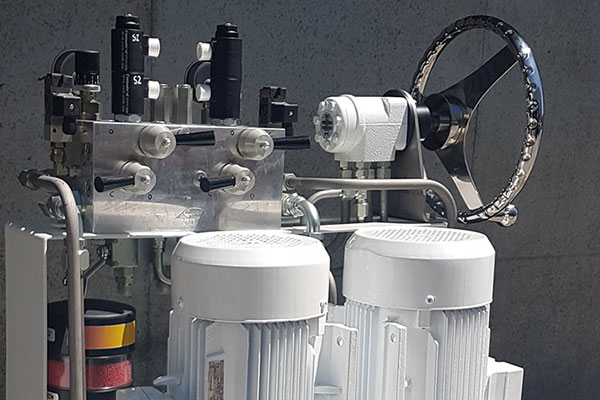
Established in 1974, TMQ International Pty Ltd is an Australian owned and operated business whose core product range includes Marine Autopilots, NMEA Networking products, Steering Control Units, VoIP based Intercom Systems and Public Address Systems, as well as a wide selection of accessories and customisation options.
Vessels suited to the TMQ range include Fishing and Trawler vessels, Work Barges, Fast Ferries, Offshore Support Vessels, Tugs and Harbour support vessels, as well as yachts and recreational vessels of all sizes.
TMQ’s products have been tried and tested in the harsh marine conditions across Australia, and via our international distributor network, are installed in vessels across the world.
“My charter boat was running the older TMQ AP50 Autopilot. It worked OK but was due for an update. I spoke with Scott at Tmq Brisbane and he hooked me up with the new AP47C Autopilot which no longer has the separate computer and head unit but now is all integrated into one complete head unit. My charter boat is a little over 10m and 7 tonnes and the AP47c works a treat. This unit would be well priced to the trailer boat market. Highly recommend the AP47c for your next boating project.”
Fozie
Fozie’s Fishing Adventures Ballina
Hello Dale,
“would like to thank you and your team for the service you provided, for the supply and set up of the WebBoat. I could not be happier with the way Scott and Charlie went out of their way to make sure all was working to 100 percent before I ventured north for my Cairns season. And you hand delivering the unit to me, I am most appreciative.
Warmest regards Capt Billy Billson“
AUSTRALIAN MARLIN CHARTERS PTY LTD
Why TMQ?
Reliability
TMQ products won’t let you, or your operation down. Built to withstand harsh marine environments and ever changing sea conditions.
Modern Workhorses
With some customers reporting their Autopilots have lasted in excess of 15 years on board, TMQ equipment is designed tough.
Compatibility
Every vessel is different, from trawlers to pleasure marine, TMQ products have multiple options for configuration and setup.
Innovation
TMQ continue to forge ahead with development of new products in the steering, safety,
hydro-electrical and communications markets.
Your Support Partner
Based in Brisbane, and with customers operating worldwide, we aim to provide a solution focused sales approach, with industry specific after sales support for the life of the product.
International Service Network
High Seas Sales and Service to survey, repair or system integration, TMQ via the coverage of the AMI Group offer a service network across Australasia.